🚀 Deployment Journey: Self-Hosted GitLab on Oracle Cloud with Advanced Email Whitelisting 🚀


This week, I set up a fully self-hosted GitLab instance on Oracle Cloud (OCI) with secure email-based signup restrictions. Here’s how I did it and why it matters for teams needing private, controlled code collaboration.
🔧 The Stack
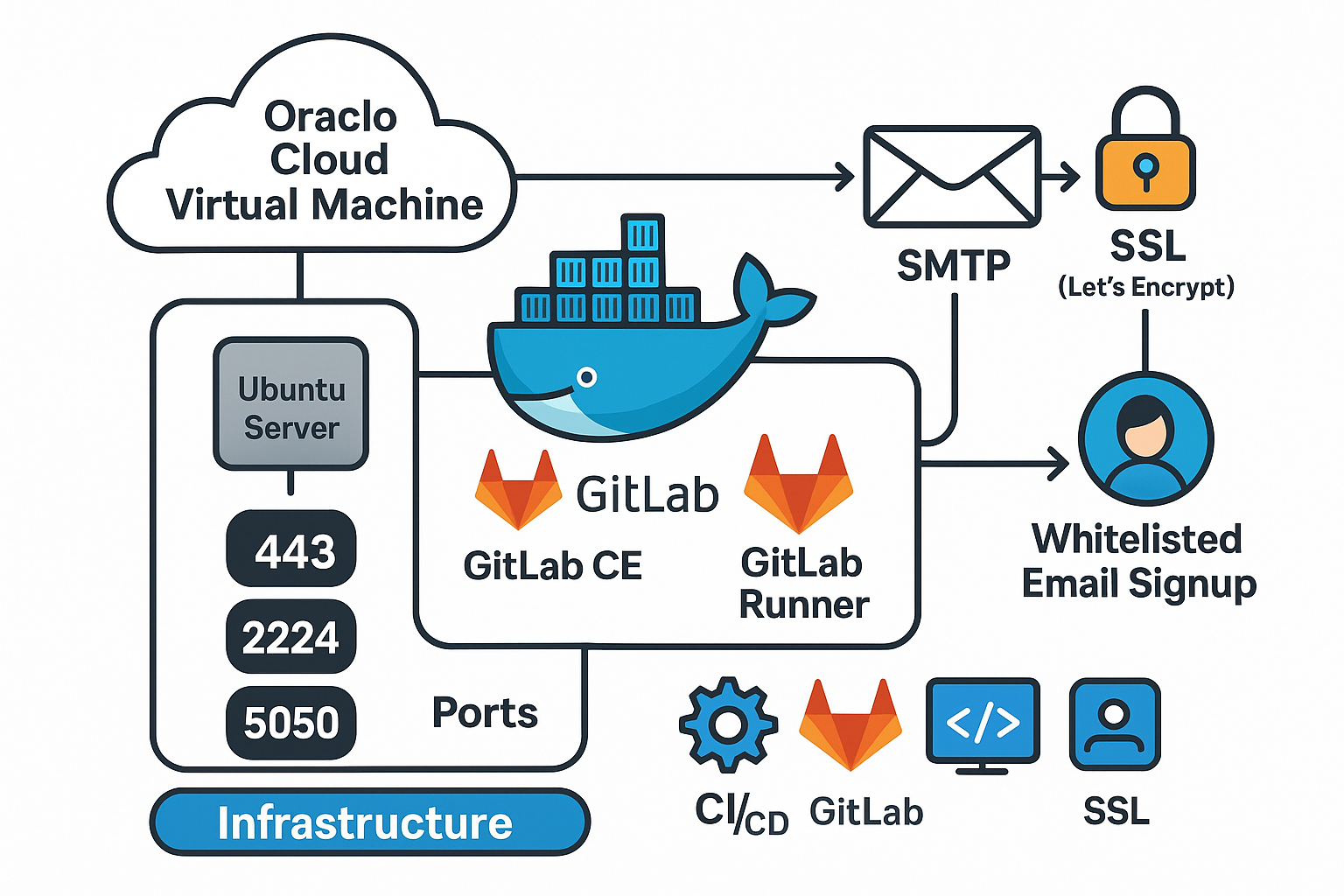
- Infrastructure: Oracle Cloud VM (Ubuntu 24.04)
- Services: GitLab CE (Docker), GitLab Runner (CI/CD)
- Security: SMTP, SSL (Let’s Encrypt), Whitelisted Signups
- Live Preview: https://gitlab.trendintown.com (Login restricted to whitelisted emails)
🎯 Key Goals
- Private Repositories: Disable public signups (
signup_enabled = false). - Controlled Access: Whitelist only
@trendintown.comemails. - High Availability: Auto-restart Docker containers.
🛠️ Steps Taken
1. Infrastructure Setup
- OCI VM: 4 vCPUs, 24GB RAM, 200GB storage.
- Firewall Rules: Opened ports
443(HTTP/S),2224(SSH),5050(Container Registry).
2. GitLab Deployment
Used docker-compose.yaml to define:
- GitLab Core: With Omnibus config for SMTP, SSL, and backups.
- GitLab Runner: For CI/CD pipelines.
- Resource Limits: Capped at 4GB RAM to prevent OOM crashes.
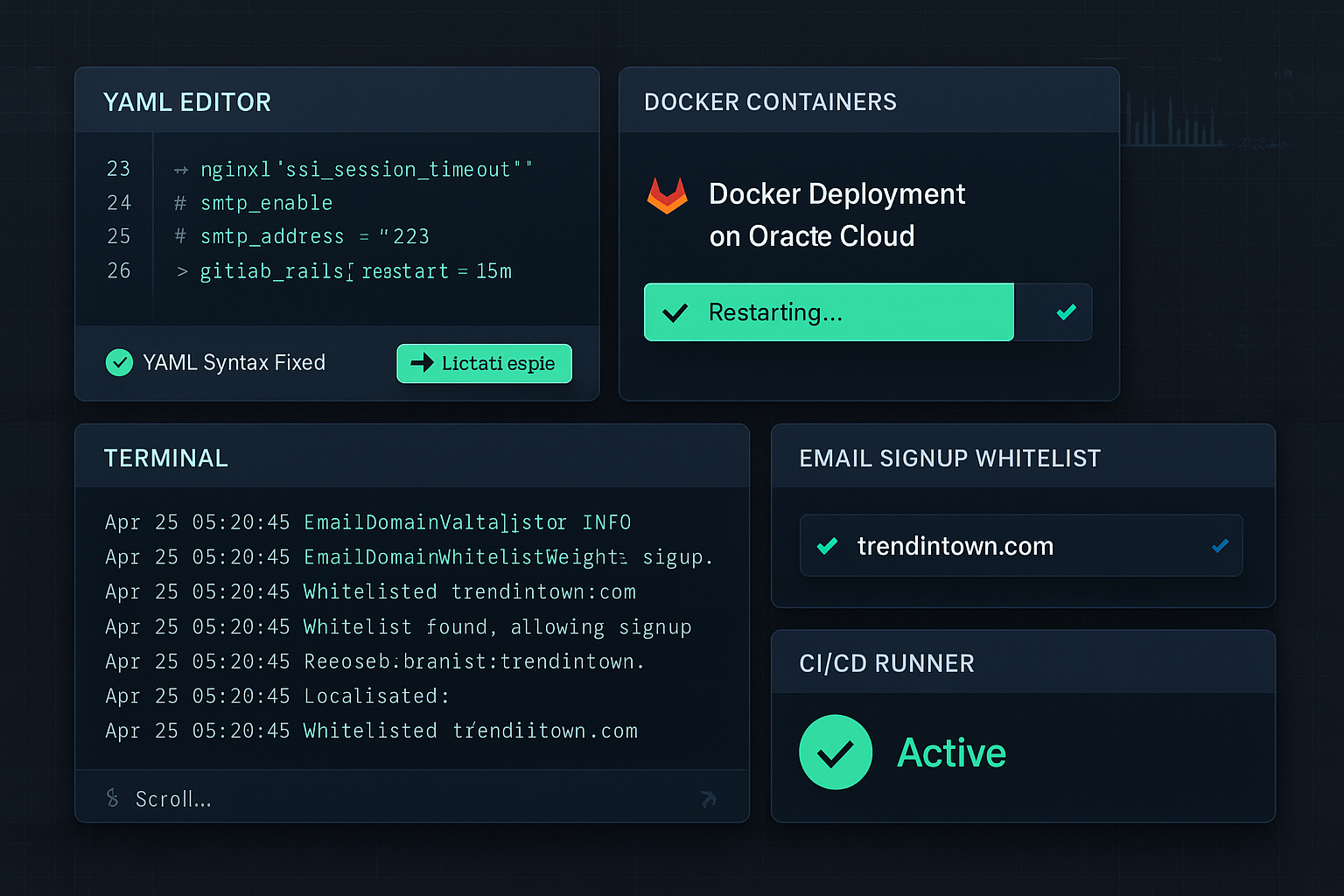
Critical Fix: Patched a YAML syntax error in nginx['ssl_session_timeout'] that broke deployment.
3. Email Whitelisting
Edited /etc/gitlab/gitlab.rb to:
gitlab_rails['gitlab_signup_domains_whitelist'] = ['trendintown.com']
Applied changes:
docker exec -it gitlab gitlab-ctl reconfigure
4. Security Hardening
- Rate Limiting: Blocked brute-force attacks.
- SSL Protocols: Enforced TLS 1.2+ with strong ciphers.
💡 Why This Matters
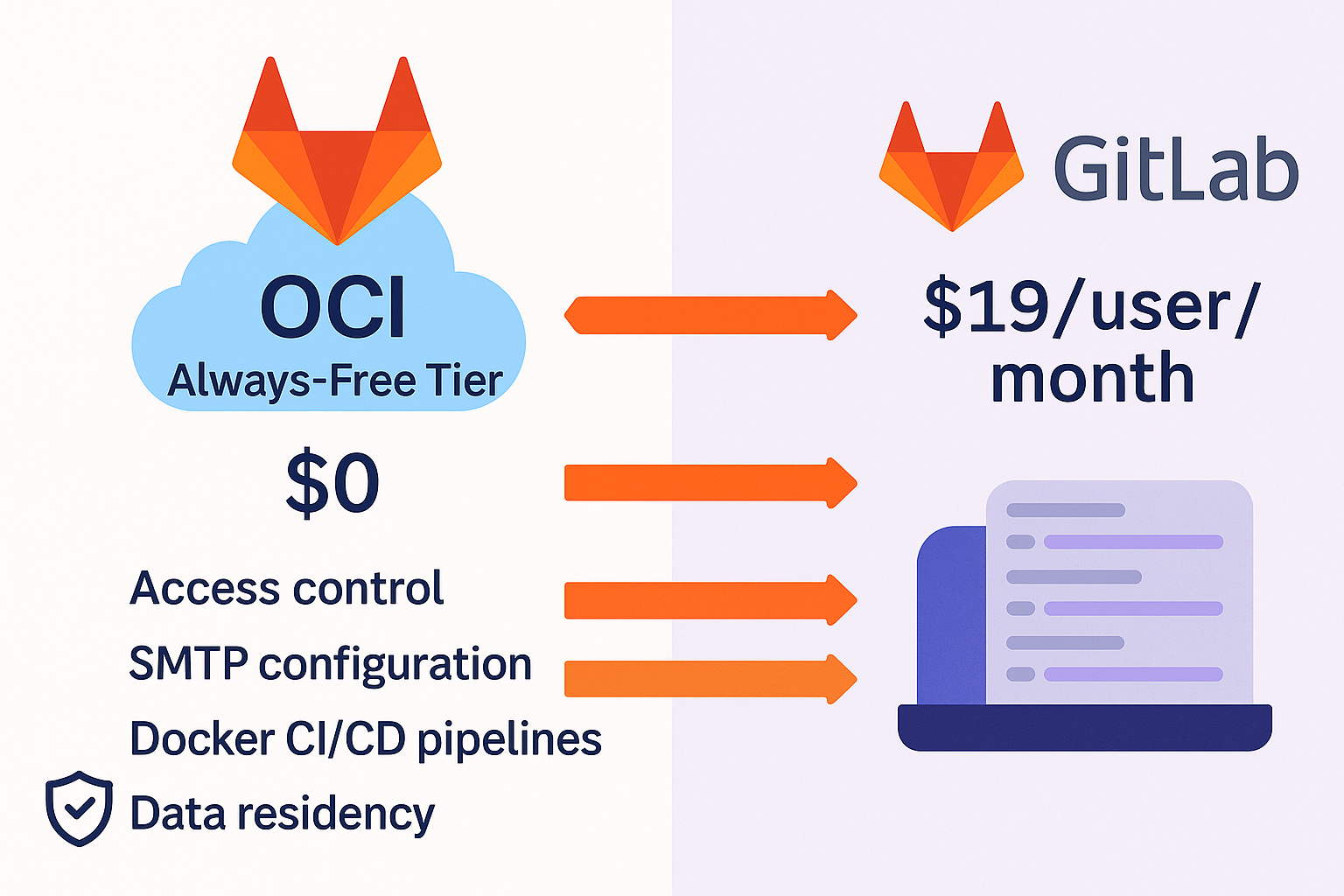
- Cost Savings: $0 OCI Always-Free tier vs. GitLab SaaS ($19/user/month).
- Compliance: Full control over user access and data residency.
- Extensibility: Ready for CI/CD with Docker-in-Docker runners.
🚨 Challenges Solved
- YAML Errors: Debugged issues in
docker-compose.yaml. - SMTP Delays: Configured TLS settings for reliable email.
DevOps #GitLab #OracleCloud #SelfHosted #InfrastructureAsCode
💬 Questions? Ask below! 👇