🛠 Kubernetes Pod Debugging 🛠

🔍 Verify the Obvious
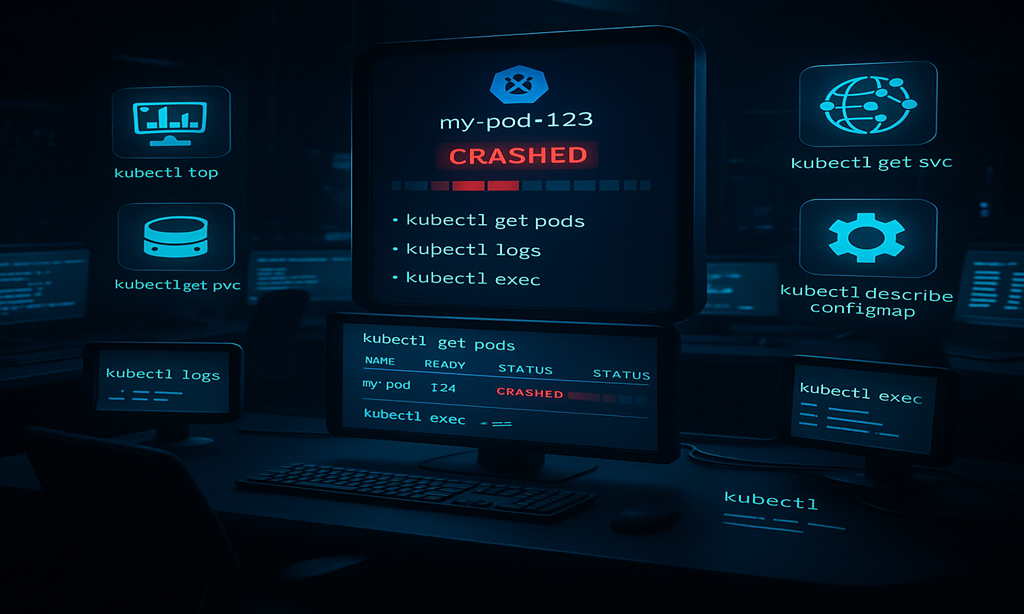
▸ kubectl get pods -o wide → Check if the pod is crashed or pending.
▸ kubectl describe pod <pod-name> → Inspect restart count, status, and errors.
▸ kubectl get events --sort-by='.lastTimestamp' → Look for cluster-wide issues.
📜 Hunt Through Pod Logs
▹ kubectl logs <pod-name> --previous → Logs from the crashed container.
▹ kubectl logs <pod-name> -f → Live logs from the current container.
▹ kubectl logs <pod-name> -c <container-name> → Debug multi-container pods.
⚡ Check Resource Consumption
◈ kubectl top pods → Identify CPU/Memory spikes.
◈ kubectl describe node <node-name> → Check for node resource pressure.
◈ kubectl get pods -o jsonpath='{range .items[*]}{.metadata.name}{"\t"}{.spec.containers[0].resources}{"\n"}{end}' → Verify resource limits.
💾 Investigate Storage Issues
◆ kubectl get pvc → Check PersistentVolumeClaim status.
◆ kubectl describe pvc <pvc-name> → Look for mount failures.
◆ kubectl get events | grep -i volume → Find storage-related errors.
🌐 Find Network Issues
◉ kubectl get svc → Verify Service connectivity.
◉ kubectl describe endpoints <service-name> → Check if pods are registered.
◉ kubectl get ingress → Debug external access problems.
⚙️ Track Configuration Issues
◍ kubectl get configmap <cm-name> -o yaml → Detect configuration drift.
◍ kubectl get secret <secret-name> -o yaml → Ensure secrets exist.
◍ kubectl describe deployment <deploy-name> → Check for failed rollout strategies.
🐞 Real-Time Debugging
◌ kubectl exec -it <pod-name> -- /bin/bash → Interactive shell for live debugging.
◌ kubectl port-forward <pod-name> 8080:80 → Direct local access to the pod.
◌ kubectl get pods --watch → Real-time monitoring of pod status changes.