Managing S3 Lifecycle Policies with Pulumi and Boto3: A Hybrid Approach

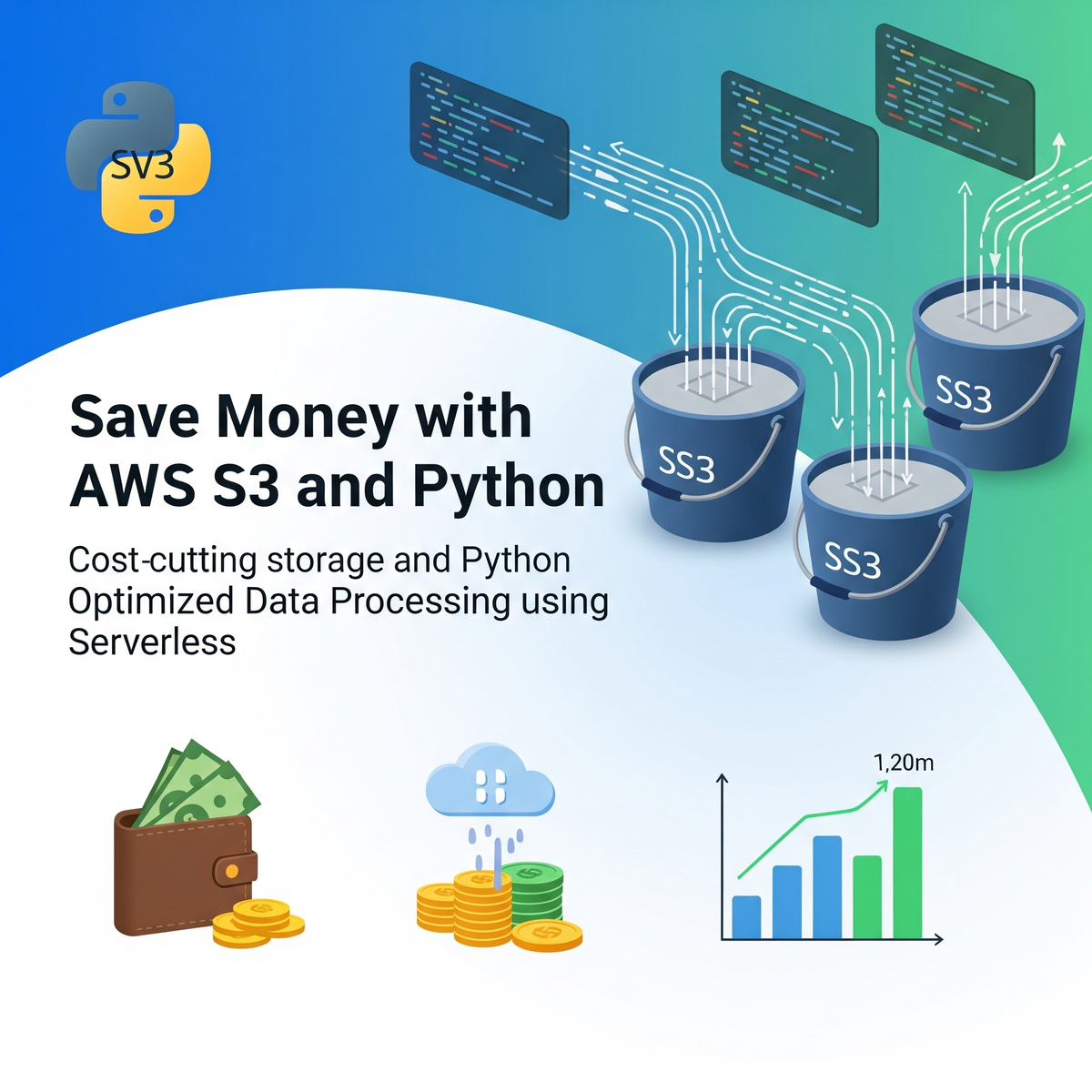
Cloud storage costs can quickly spiral out of control if not managed properly. One of the most effective ways to optimize AWS S3 storage costs is through intelligent lifecycle policies that automatically transition objects to more cost-effective storage classes based on access patterns. In this post, we'll explore how to combine Pulumi's infrastructure-as-code capabilities with Boto3's dynamic operations to create a robust S3 lifecycle management solution.
The Challenge: Balancing Infrastructure Management and Dynamic Operations
When working with cloud infrastructure, we often face a dilemma: should we manage everything through infrastructure-as-code tools like Pulumi, or do we need the flexibility of SDK-based approaches like Boto3? The answer isn't always black and white, especially when dealing with lifecycle policies that might need to be adjusted based on changing business requirements.
Our Solution: A Hybrid Approach
We've developed a solution that leverages the best of both worlds:
- Pulumi for core infrastructure provisioning (buckets, permissions, tags)
- Boto3 for dynamic lifecycle policy management
This approach provides the declarative benefits of infrastructure-as-code while maintaining the flexibility to modify policies programmatically.
Implementation Deep Dive
Setting Up the Foundation
Our implementation starts with Pulumi managing the core S3 bucket infrastructure:
# Configuration-driven bucket creation
config = Config()
bucket_name = config.require("bucket-name")
region = config.get("region") or "us-east-2"

bucket = s3.Bucket("ai-data-bucket",
    bucket=bucket_name,
    acl="private",
    tags={
        "ManagedBy": "Pulumi",
        "CostCenter": "ai-research"
    }
)
Dynamic Lifecycle Management with Boto3
The lifecycle policy is applied using Boto3, allowing for runtime flexibility:
def configure_bucket_lifecycle(bucket_name_value):
    s3_client = boto3.client('s3', region_name=region)

    lifecycle_config = {
        'Rules': [
            {
                'ID': 'transition-to-ia-boto3',
                'Status': 'Enabled',
                'Filter': {
                    'Prefix': ''  # Apply to all objects
                },
                'Transitions': [
                    {
                        'Days': 1,
                        'StorageClass': 'STANDARD_IA'
                    }
                ]
            }
        ]
    }
Key Technical Insights
The Filter Field Requirement
One crucial detail we discovered during implementation is that AWS S3 lifecycle rules require either a Filter or Prefix field for valid XML schema compliance. Without this, you'll encounter the dreaded MalformedXML error:
Error: An error occurred (MalformedXML) when calling the PutBucketLifecycleConfiguration operation
The solution is simple but not obvious - always include a filter:
'Filter': {
    'Prefix': ''  # Apply to all objects
}
Post-Creation Callback Pattern
Using Pulumi's apply() method ensures the lifecycle policy is applied only after the bucket is successfully created:
bucket.id.apply(configure_bucket_lifecycle)
This pattern is essential for dependent operations that rely on resource creation.
Cost Optimization Benefits
By implementing this lifecycle policy, objects automatically transition from Standard storage to Standard-IA (Infrequent Access) after just one day. This can result in significant cost savings:
- Standard storage: $0.023 per GB/month
- Standard-IA storage: $0.0125 per GB/month
That's nearly a 50% reduction in storage costs for data that's accessed infrequently!
When to Use This Approach
This hybrid approach is particularly valuable when:
- Core infrastructure needs to be version-controlled and managed declaratively
- Policies need to be adjusted dynamically based on runtime conditions
- Different teams manage infrastructure vs. operations
- Compliance requires audit trails for both infrastructure changes and policy modifications
Best Practices and Considerations
Error Handling
Always implement robust error handling for boto3 operations:
try:
    s3_client.put_bucket_lifecycle_configuration(
        Bucket=bucket_name_value,
        LifecycleConfiguration=lifecycle_config
    )
    print(f"Lifecycle policy applied to bucket: {bucket_name_value}")
except Exception as e:
    print(f"Error applying lifecycle policy: {e}")
Configuration Management
Use Pulumi's configuration system for environment-specific settings:
pulumi config set bucket-name your-production-bucket
pulumi config set region us-west-2
Monitoring and Alerting
Consider implementing CloudWatch metrics and alarms to monitor:
- Storage class transition metrics
- Cost optimization effectiveness
- Policy application success/failure rates
Deployment and Usage
To implement this solution in your environment:
- Clone the repository:
git clone https://github.com/org-navinku/aws-infra-as-code-pulumi.git
cd aws-infra-as-code-pulumi
- Configure your environment:
pulumi config set bucket-name your-bucket-name
pulumi config set region your-preferred-region
- Deploy the infrastructure:
pulumi up
Future Enhancements
This foundation can be extended with additional features:
- Multi-tier lifecycle policies (Standard → Standard-IA → Glacier → Deep Archive)
- Object tagging-based rules for more granular control
- Automated policy optimization based on access patterns
- Cross-region replication with lifecycle management
Conclusion
The combination of Pulumi and Boto3 provides a powerful approach to S3 lifecycle management that balances infrastructure governance with operational flexibility. By leveraging infrastructure-as-code for core resources and SDK-based approaches for dynamic policies, we achieve both consistency and adaptability.
This hybrid approach not only helps optimize costs but also provides the foundation for more sophisticated data lifecycle management strategies. Whether you're managing terabytes of machine learning data or organizing corporate document archives, proper lifecycle management is essential for cost-effective cloud operations.
The complete implementation is available in my GitHub repository:
 org-navinku
Want to learn more about cloud cost optimization and infrastructure automation? Follow my blog for more practical guides and real-world implementations.